Get started
The console
The console at /app is where you create status pages and HTTP checks. You can link a check to a component and call the same checks from the API. The homepage website checker and daily papers work without an account.
Sign in
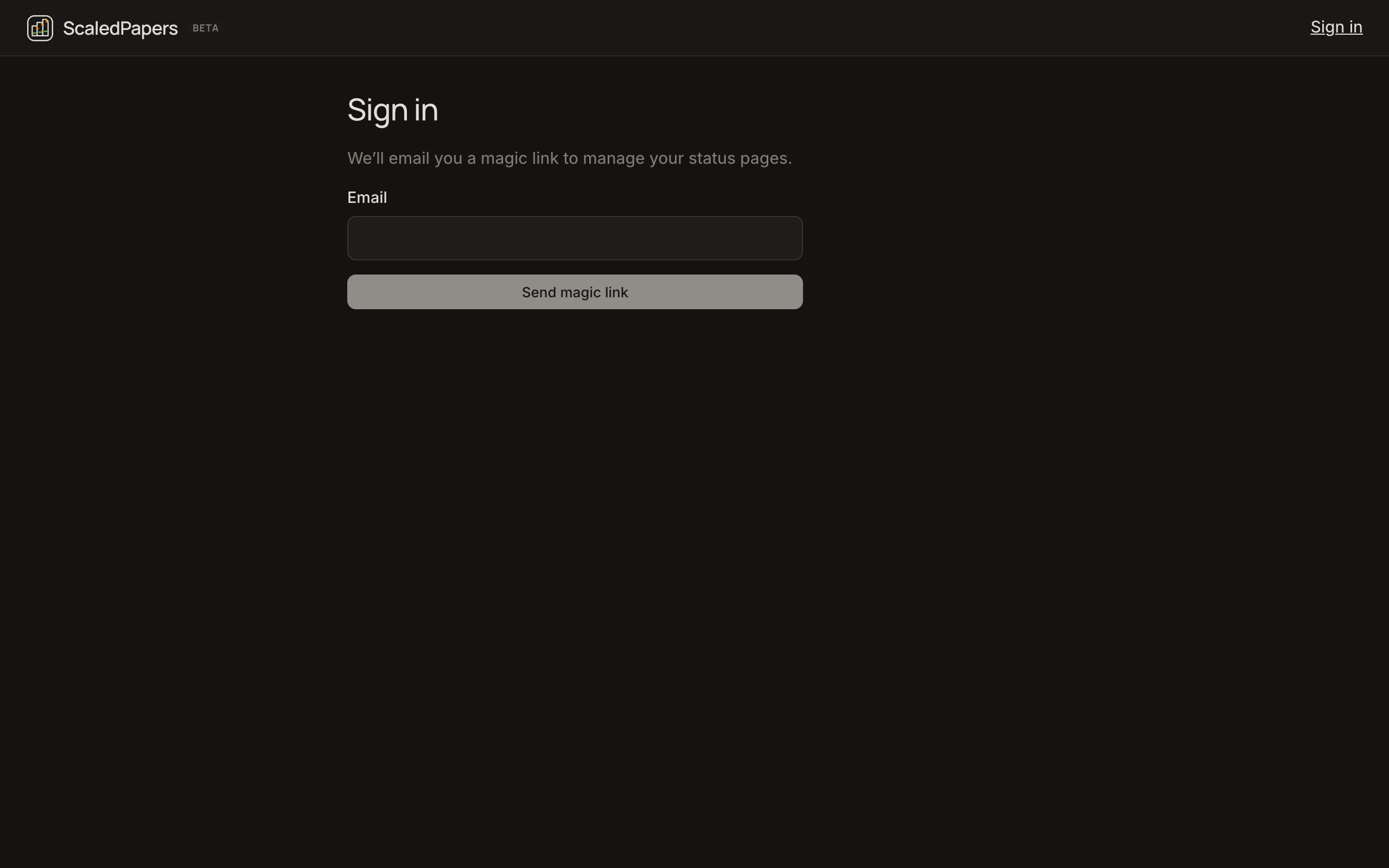
- Open Login.
- Enter your email and click Send magic link.
- Open the email and follow the link. There is no password.
- You land in the console. If you have never created a status page, the default view is Checks → API.
The marketing header Login button becomes Dashboard after you have a session. It goes to /app/checks/api (or the last console tab you used).
If the magic-link email opens the homepage instead of /app, ScaledPapers still tries to send you into the console when the link was meant for the app. Discover has its own Send link in Settings → Account; that one returns you to /discover.
Sign out is in the account menu in the console header (your email).
What you will see in the console
The left sidebar is split into Checks and Status page.
Checks — API and Website are live. DNS and TCP are listed but not creatable yet.
Status page appears after you have a page (or you create one from Status pages). It includes Incidents, Components, Ping, Page info, Apps, Delete page, and View status page (opens the public URL in a new tab).
Status pages at /app/pages lists every page you own and has New status page.
These sidebar items exist and say Coming soon: Maintenance, Team, Settings. API Keys is live — create a key on /app/api-keys to call https://api.scaledpapers.com. Help in the header is not wired yet. Docs in the header opens this site.
Console vs public tools
| Needs account | Keeps history | Typical use | |
|---|---|---|---|
| Console checks | Yes | Yes (samples, 24-hour bar, chart) | Watch a URL continuously |
| Status pages | Yes to create | Incidents and 90-day component bars | Tell customers what is down |
| Website checker | No | That run only | “Is it down right now, and where?” |
| Daily papers | No (syncs when signed in) | Local, plus server when signed in | Read the day’s research stack |
Private and loopback hosts are rejected for checks. You cannot point a probe at localhost or an internal IP.
Paid plans and checkout are not live. You can still create pages and checks on the free account.