Status pages
Incidents
Incidents are how you tell visitors something is wrong. They attach to components on a status page. You can post them here, or turn on Create an incident on this component when the check is down when you link a check. That box is off unless you check it.
List
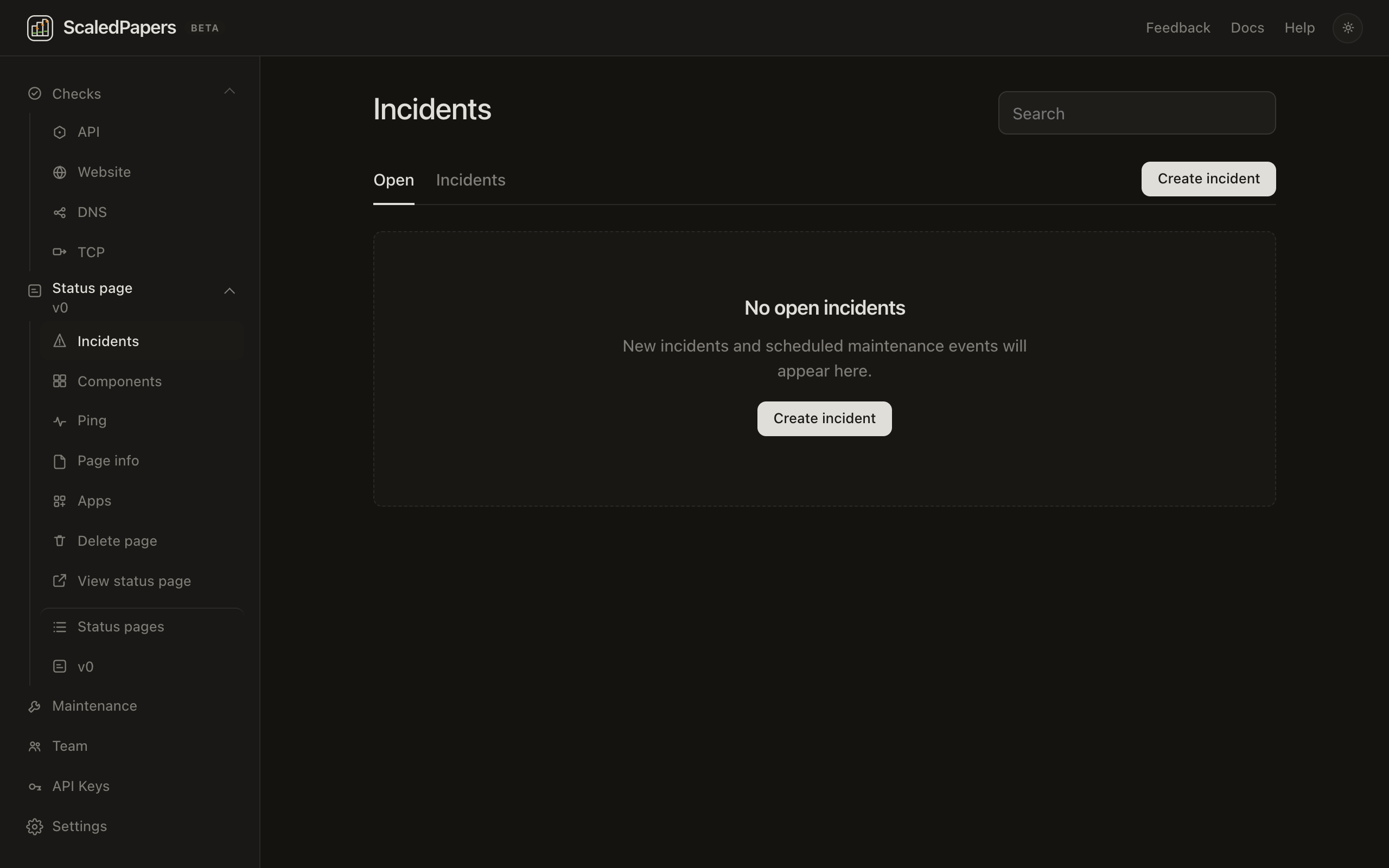
Incidents is the default page after you create a status page. Tabs: Open (default) and Incidents (?view=all). There is a Search box and Create incident. Each row shows title and {status} · {impact} · {Opened …}.
Create
- Click Create incident.
- Title (required).
- Status: investigating, identified, monitoring, resolved.
- Impact: Minor, Major, or Critical.
- Affected components — at least one checkbox. You cannot publish with none selected.
- Message (required). It starts as We are looking into the issue.
- Click Publish.
To record something that already ended: check Backfill an incident that happened in the past. Incident started and Incident ended appear (page timezone), status is forced to resolved, and the button is Create.
Update, resolve, delete
On an open incident you can:
- Edit Impact (pencil)
- Edit each update’s timestamp (✎)
- Post an update — Title, Status, Message, then Post update
- Mark resolved — posts your message, or Resolved. if the box is empty
- Delete incident — type DELETE in the dialog, then Delete incident
Resolved incidents do not show Delete incident. Incident ended is editable on the timeline.
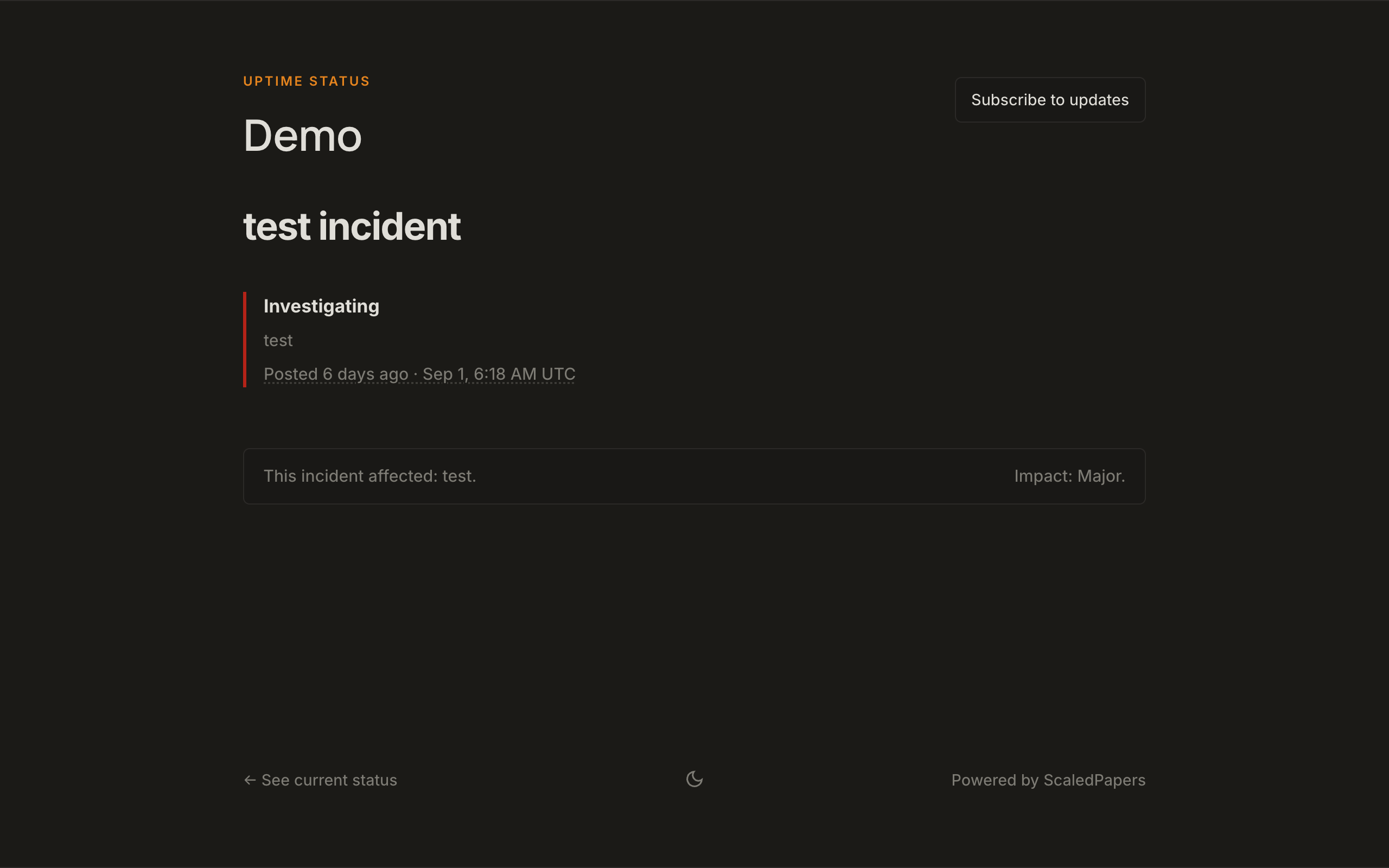
Visitors see the same timeline on the public incident page ({page}/incidents/{id}, 12-character id). History is under Past Incidents with ‹ / › pagination.