Checks
Add a check
Checks are ongoing probes from the console. They are not the homepage website checker. A component is a row on a public status page — you can link a check to one if you want incidents or metrics to follow the probe.
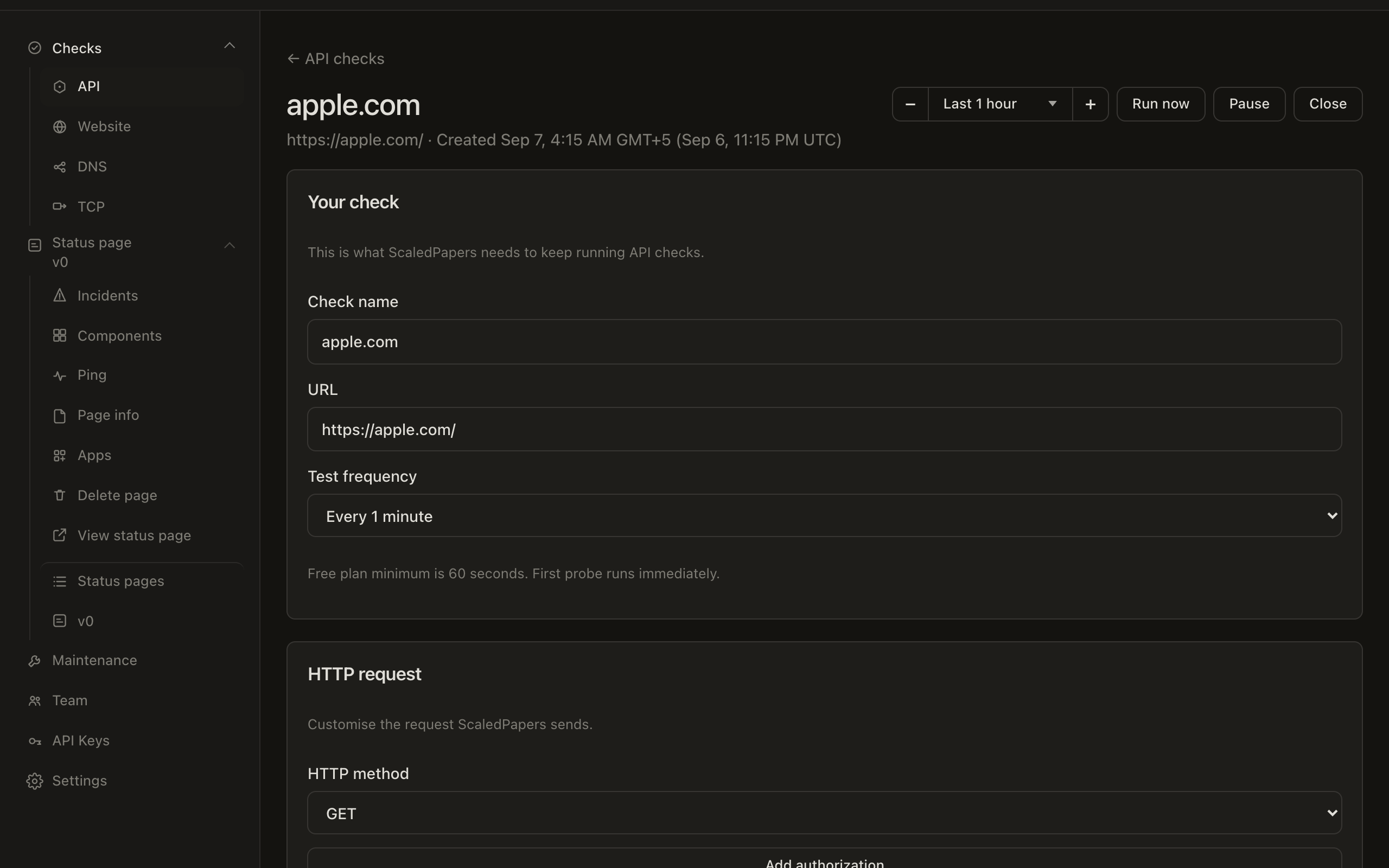
After you add a check, the detail page covers the 24-hour bar, chart, pause, and Run now. The same checks are available from the API.
Check kinds
Under Checks in the sidebar:
| Kind | List | What “up” means by default |
|---|---|---|
| API | /app/checks/api |
Exact HTTP status 200 (unless you change assertions) |
| Website | /app/checks/website |
Any HTTP status below 500 |
| DNS | /app/checks/dns |
The lookup succeeds (and expected records match, if you set them) |
| TCP | /app/checks/tcp |
The connection succeeds — or fails, if you chose Connection should not succeed |
/app/checks redirects to API. All four kinds have Add check.
On the free plan you can have 5 checks, a minimum interval of 5 minutes, and 1 probe region. The list shows {used} of {max} on the {plan} plan. Samples on free are kept for 14 days.
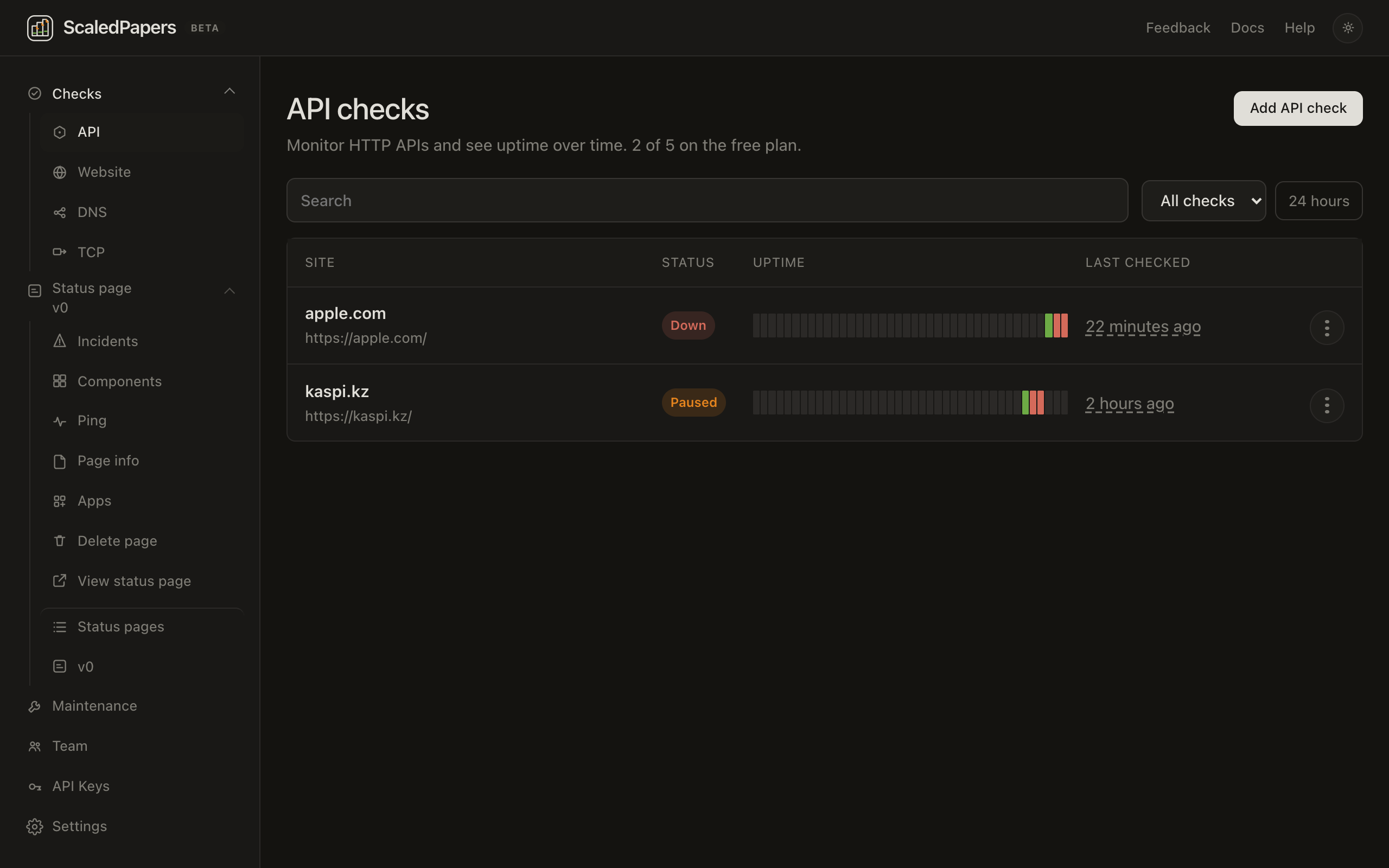
Add a check
- Open Checks → API, Website, DNS, or TCP.
- Click Add check.
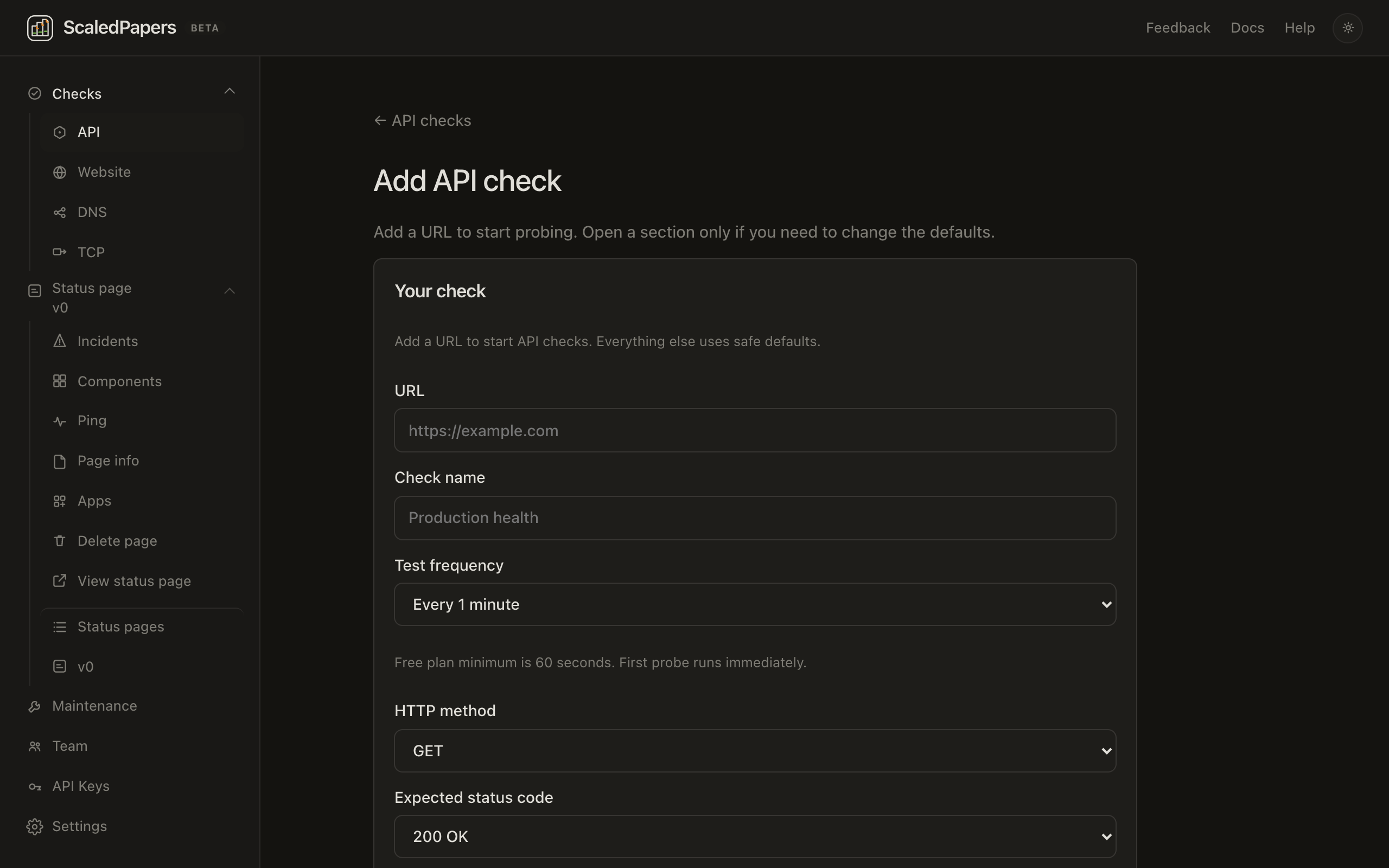
- Lead copy depends on the kind:
- API / Website: Add a URL to start probing. Open a section only if you need to change the defaults.
- DNS: Add a domain to start resolving DNS records from probe locations.
- TCP: Add a host and port to start TCP connectivity checks from probe locations.
- Fill in Your check, then open a fold only if you need it.
- Click Add check.
Empty list copy:
- API / Website: Add a URL to start probing. We’ll check it on a schedule and keep the results here.
- DNS: Add a domain to start resolving DNS records on a schedule and keep the results here.
- TCP: Add a host and port to start checking TCP connectivity on a schedule.
Your check
Hint on create: Add a URL to start API checks. Everything else uses safe defaults. (Website says website checks. DNS and TCP say ScaledPapers needs this information to start those checks.)
API and Website
| Field | Notes |
|---|---|
| URL | Required on create (shown first). Placeholder https://example.com. If you type example.com with no scheme, https:// is added on blur and on submit. |
| Check name | Placeholder Production health. If you leave it blank, the name is taken from the hostname. |
| Test frequency | 5, 15, 30, or 60 minutes on Free (1 and 2 minutes on Pro). Hint: Plan minimum is 5 minutes. First probe runs immediately. |
| HTTP method | On API create, GET is on this section. Website create hides it until HTTP request. |
| Expected status code | On Website create, 200 is on this section. API create hides it until Assertions. |
Save rejects private, loopback, and non-http(s) targets.
DNS
| Field | Notes |
|---|---|
| Check name | Placeholder Production DNS. If you leave it blank, the name is the domain. |
| Domain | Hostname only — example.com, not a URL. Trailing dots are stripped. |
| Record type | A, AAAA, CNAME, TXT, MX, NS, or CAA. Default A. |
| Protocol | UDP or TCP. Default UDP. |
| DNS server | Optional. Leave blank to use the probe’s system resolver. |
| Test frequency | Same intervals as HTTP checks. |
Private, loopback, and .local / localhost names are rejected.
TCP
| Field | Notes |
|---|---|
| Check name | Placeholder Production Redis. If you leave it blank, the name is host:port. |
| Expected outcome | Connection should succeed (default) or Connection should not succeed. |
| IP family | IPv4 or IPv6. Default IPv4. |
| Hostname | Hostname or public IP. No scheme or path. |
| Port | 1–65535. Required. |
| Payload | Optional bytes sent after connect. Leave blank for a connection-only check. |
| Test frequency | Same intervals as HTTP checks. |
Private, loopback, and link-local targets are rejected. TLS handshake and certificate checks are not in this form yet.
HTTP request
Folded on create. API and Website only. Summary shows the method.
- HTTP method — GET, POST, PUT, PATCH, DELETE, HEAD
- Optional HTTP authorization username / password
- HTTP body — disabled for GET and HEAD. Hint: Don't forget to add the correct Content-Type request header below.
- Request headers — add or remove rows
- Follow redirects — on by default
DNS and TCP skip this section.
Regions
Folded on create. Summary: 1 of 5 regions on Free, or All 5 regions on Pro. Each box is {name} ({region}), for example San Francisco (us-west-1). The plan’s region cap is selected by default (San Francisco when it is in the list). You must leave at least one selected.
These five Americas regions are not the 16 cities on the homepage checker:
| Location | Region |
|---|---|
| San Francisco | us-west-1 |
| Ashburn | us-east-1 |
| Columbus | us-east-2 |
| Portland | us-west-2 |
| Montreal | ca-central-1 |
Each selected location gets its own probe on your interval.
Assertions
Folded on create.
API hint: API checks treat the expected status as an exact match (default 200). Website hint: Website checks treat status 200 as any response below 500 unless you set a different code. DNS hint: Monitor DNS correctness as well as availability. TCP hint: Validate TCP response time or response data.
API / Website
- Expected status code — default 200
- Text to search for (optional) — exact, case-sensitive match in the response body
- Extra assertions: Body contains, JSONPath equals, Status equals
DNS
- Expected record values — add one or more values the lookup must include
- Leave them empty to treat any successful lookup as up
TCP
- Response contains — optional text that must appear after connect (useful with a payload)
- Connect under ms — optional maximum connect time
Advanced
Folded on create. HTTP hint: Getting alerts even though the site is still online? These are the settings to tweak. DNS / TCP hint: Getting alerts even though DNS/TCP is healthy? These are the settings to tweak.
- Confirmation period — 1 / 2 / 3 / 5 failed checks before an incident
- Recovery period — 1 / 2 / 3 successes to resolve
- Request timeout (API / Website / DNS) or Connection timeout (TCP) — 5 / 10 / 15 / 30 seconds
- Verify SSL certificate — API and Website only
Alerts
Folded on create. Send email alerts to your account email. Slack, Discord, PagerDuty, Pushover, and webhook destinations are created on Settings → Alerts (Pro) and attached here.
Status page
Folded on create. Hint: Link this check to a component on any of your status pages. Summary starts as Not linked.
- Pick a Status page, or leave None.
- Pick a Component. Options already linked to another check say already linked and cannot be chosen. One check per component.
- Optionally check Create an incident on this component when the check is down. Off unless you turn it on.
- Optionally check Show this metric on the public status page.
If you have no pages yet: Create a status page first to link this check. Linked incidents follow the confirmation and recovery periods above.
You can also create and edit checks with an API key.